
Work faster with AI
Use ChatGPT and AI tools to finish repetitive tasks, content drafts, research, and follow-ups in less time.
Chapter 2 is packed with practical, real-world examples showing how AI can help you work faster, automate repetitive tasks, create better content, save hours every week, and stay ahead of the competition.
Learn the practical workflows used to save time, create professional content, manage repetitive work, and reduce common AI mistakes.
This is not theory. Everything inside Chapter 2 is based on real workflows used to increase productivity and deliver better results faster.
Use ChatGPT and AI tools to finish repetitive tasks, content drafts, research, and follow-ups in less time.
Learn examples for reports, presentations, emails, lead management, and content planning.
Understand how to reduce hallucinations, review outputs, and keep your work accurate.
Track progress, download lesson slides, use the prompt package, save notes, and receive your certificate.
If you are a beginner, Chapter 2 gives you a simple path to start using AI as your assistant, researcher, content creator, and productivity partner.
Open your private Chapter 2 learning area on desktop, tablet, or mobile.
Follow 1:30+ hours of practical examples, tools, and workflows.
Track lesson progress and save personal notes inside your browser.
Receive a personalized certificate issued in your name.
Learn how to use AI agents, turn one piece of content into multiple formats, automate business work, create professional content, avoid hallucinations, and use the bonus materials inside the private portal.
Learn how AI agents can support research, planning, analysis, and productivity without losing control of the final result.
Take one piece of content and reshape it into posts, captions, emails, outlines, scripts, and business material.
Use AI to support presentations, emails, reports, and Filtering Leads so repetitive work is easier to manage.
Use ChatGPT, Claude, Canva, and more to create stronger content with clearer structure and less blank-page time.
Learn how to check outputs, avoid common AI mistakes, and keep your workflow practical instead of blindly trusting the tool.
Get bonus chapters, lesson PDF slides, a complete prompt package, saved notes, progress tracking, and certificate completion.
Students receive access to a private learning portal where lessons, PDF slides, prompt package, saved notes, progress tracking, and certificate completion stay together in one mobile-compatible place.
Track your time and lesson completion as you move through the 1:30+ hour Chapter 2 training.
Download lesson PDF slides and use the full prompt package included with the course.
Add notes inside your lessons and keep them saved in your browser for future reference.
After successful completion, receive a personalized certificate issued in your name.
See how a repetitive workday changes when AI becomes your assistant, researcher, content creator, and productivity partner.
You spend hours switching between research, emails, reports, presentations, lead files, and content drafts without a repeatable system.
With Chapter 2, you learn practical AI workflows for agents, content creation, automation, lead management, review habits, and faster execution.
Chapter 2 is delivered through a private learning portal, so the lesson, real examples, PDF slides, prompt package, personal notes, progress, and certificate flow stay together.
Open the Chapter 2 lesson inside your own private course area and continue learning anytime on desktop, tablet, or mobile.
Access all lesson materials online, download PDF slides, and use the complete free prompt package included with the course.
Save personal notes in your browser, track time progress, and receive a personalized certificate issued in your name after completion.
Chapter 2 is now available for beginners who want practical AI productivity, while the bundle gives access to Chapters 1 and 2 together at a stronger discount.
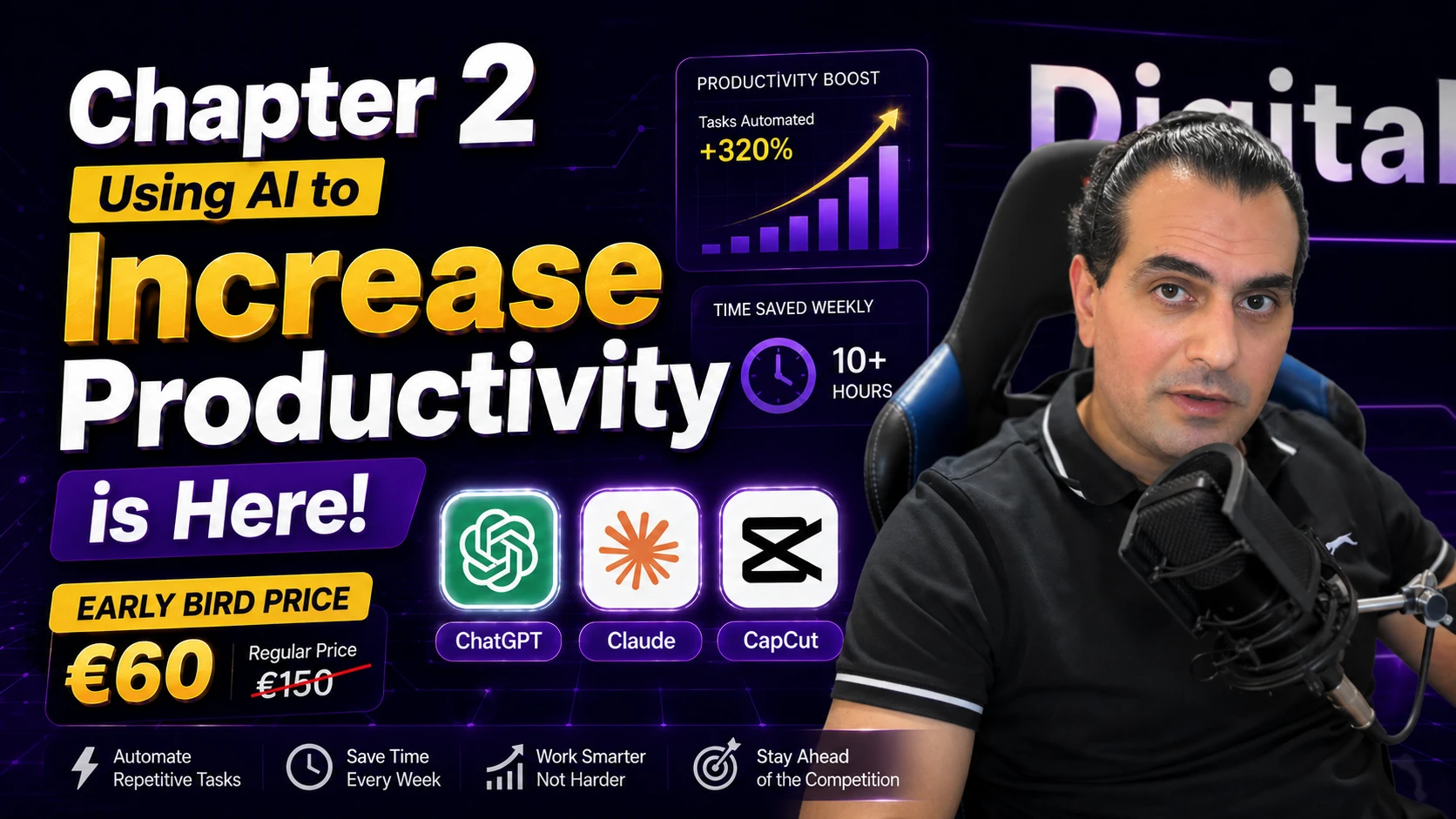
Buy the private Chapter 2 portal with the 1:30+ hour lesson, real productivity examples, AI agents, automation, Filtering Leads, PDF slides, prompts, progress tracking, and certificate.
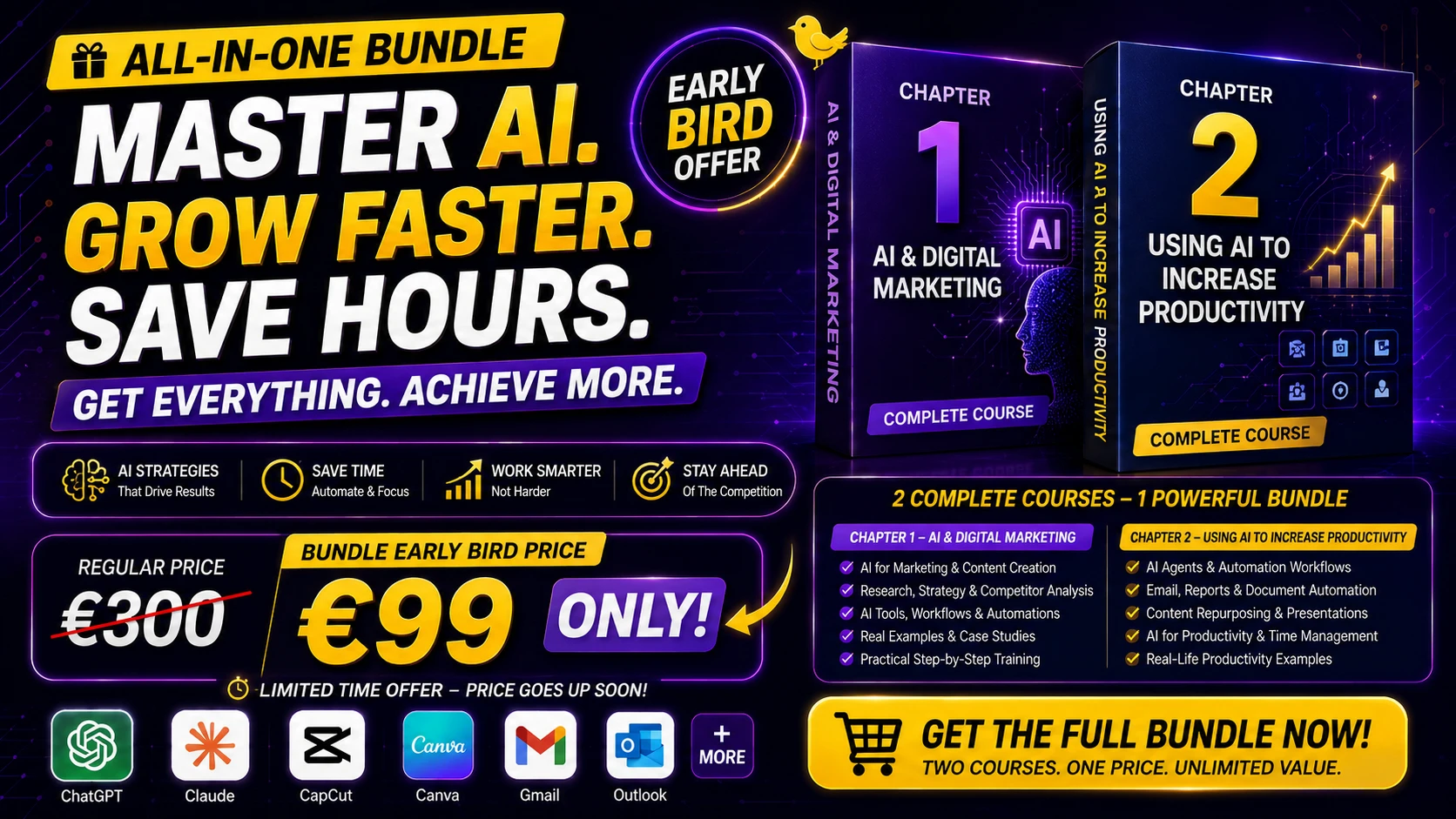
Get both courses together: AI foundations from Chapter 1 plus the Chapter 2 productivity portal, bonus lessons, prompt package, real business examples, and certificate flow.
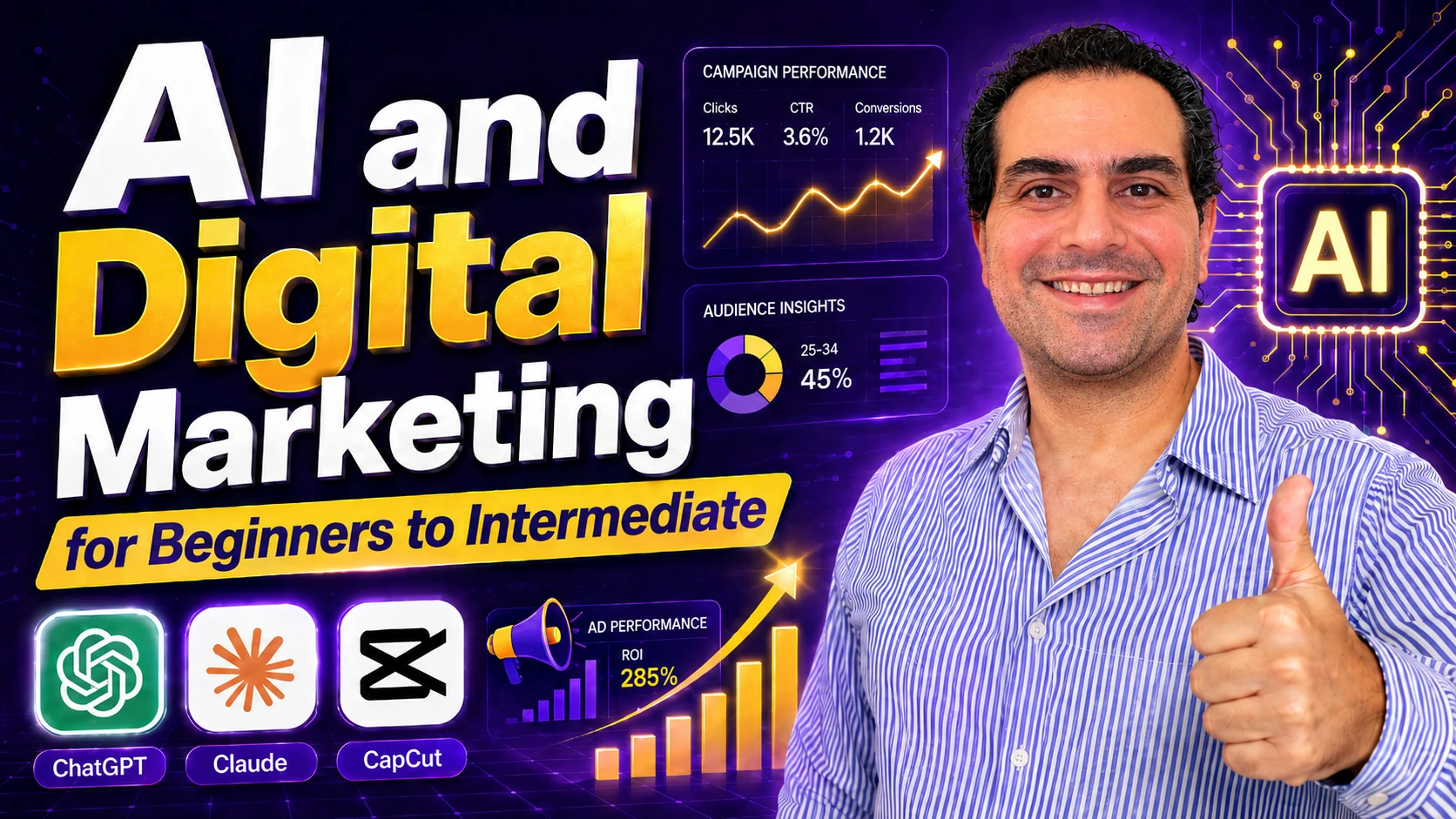
Start here if you want the foundation first: AI tools, ChatGPT basics, prompt engineering, content creation, marketing workflows, and beginner-friendly systems.
The lesson is beginner-friendly and organized inside a private learning portal with real examples, progress tracking, PDF slides, prompts, notes, and certificate completion.
Yes. Chapter 2 is designed for beginners who want practical ChatGPT and AI productivity workflows without needing a technical background.
Yes. Chapter 2 is delivered through a private portal where you can access lessons, track progress, download materials, save notes, and complete the training.
Yes. After completing the Chapter 2 lesson, you can create a certificate for yourself as proof of completion.
The lesson is 1:30+ hours and includes practical examples for AI agents, content, reports, presentations, email, Filtering Leads, and productivity workflows.
Yes. The portal includes online lesson materials, downloadable PDF slides, and the complete free prompt package included with the course.
Yes. The learning platform is fully mobile-compatible, so you can learn from desktop, tablet, or mobile devices.
We use analytics and advertising cookies only if you allow them. Essential storage keeps the website, forms and your preferences working. You can also choose whether to enable optional chat and media services. Privacy policy | Cookie policy